Reading room
How to add Versea to your Lock Screen
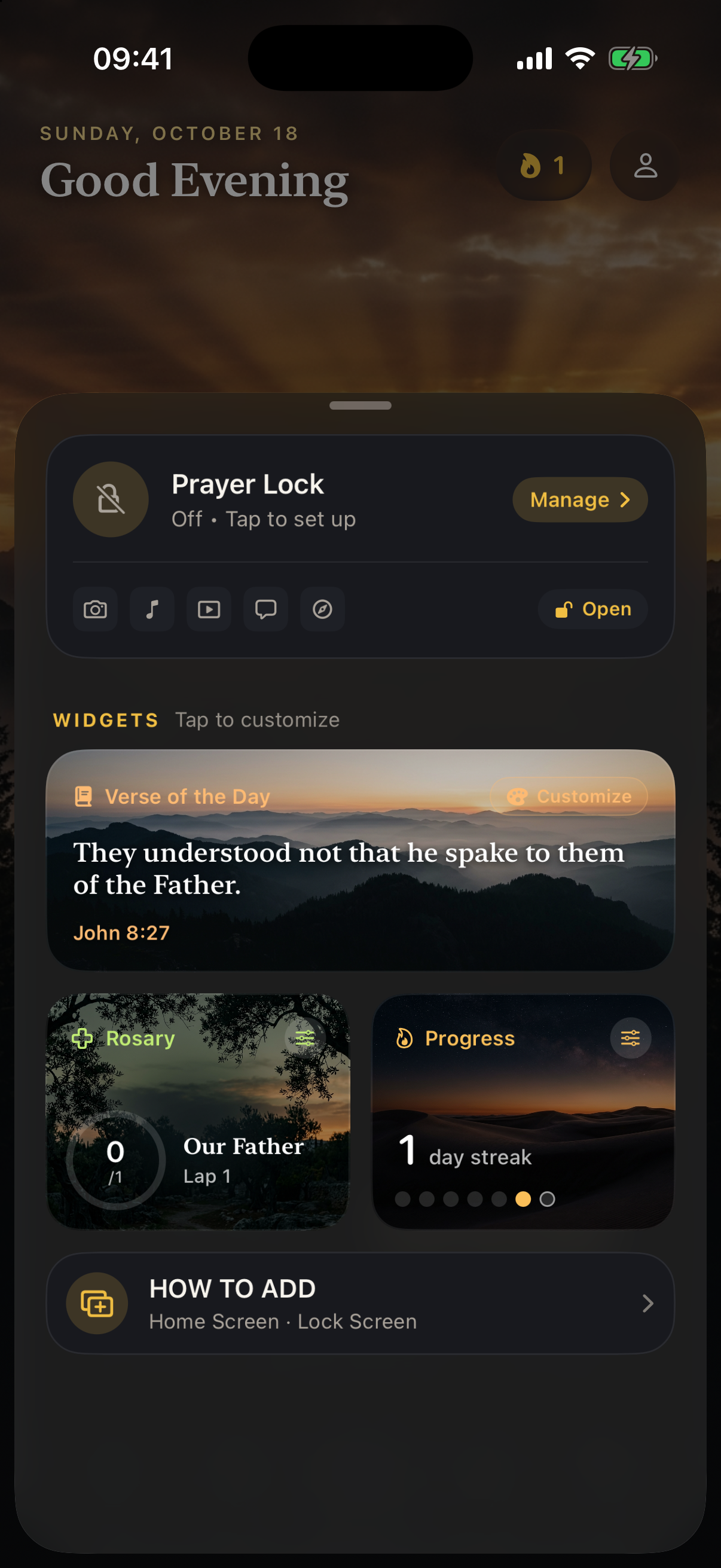
Keep the verse of the day, your rosary count and your streak close whenever you pick up your phone.
- Touch and hold your iPhone’s Lock Screen, then choose Customize.
- Tap Lock Screen and open the widget area.
- Choose Versea from the app list. Add the verse or rosary widget and tap Done.
- For the Home Screen, hold an empty area. Choose Edit → Add Widget and search for Versea.